Tech Stack
Engine & Code
Art & Audio
Design & Delivery
At a Glance
- Genre
- 3D Tower Defense (open world)
- Tools
- Unity, C#, Blender, Photoshop
- My Role
- Team Leader · Sound, Asset & UX Design
- Team
- 5 people
Play It
The build runs in the browser — nothing to install.
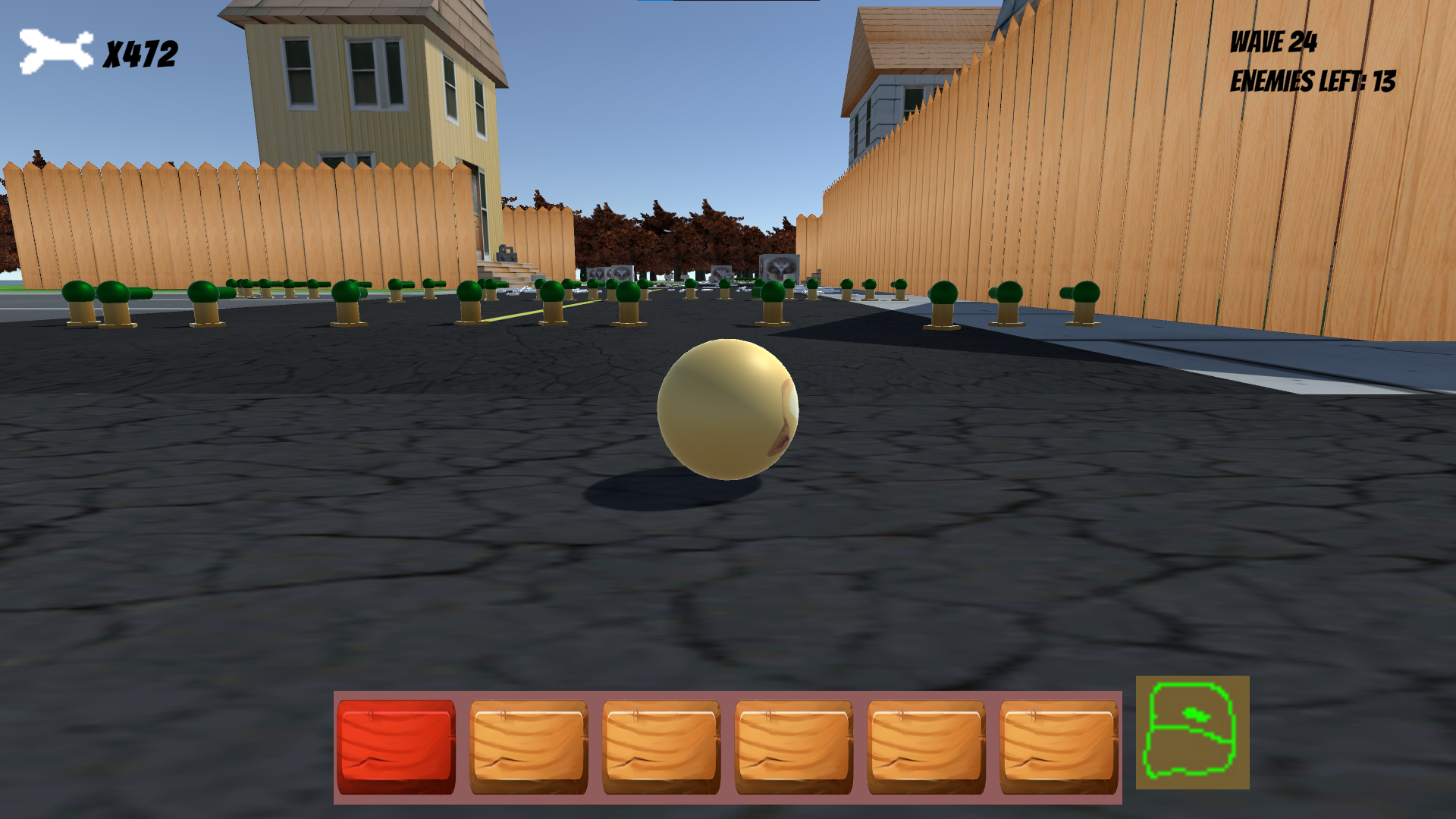
The WebGL build runs in the browser — no install, no Unity, no download. Move Doge around the map, collect bones, and place turrets before the next wave of cats arrives. The game is unfinished, so expect rough edges, but the core loop is all there and playable. The full control legend is right below this block.
- Platform
- Browser (WebGL) — desktop recommended
- Built with
- Unity · C# · Blender
- Build state
- Playable prototype, not a finished game
Controls
- WASD / ArrowsMove around the map
- ShiftRun
- SpaceJump
- 1 – 6Select an inventory item
- EPlace the selected item
- BBark — temporarily disables nearby enemies
- EscQuit
The Team
A collaborative project — here's who built what.
- Shenabeth — Team Leader, Sound, Asset & UX DesignThat's Me
Coordinated assignments and built front-end systems: Doge's movement, player interactions, UI, and sound. Created sounds, assets, and UI elements, and helped guide the team's design choices and overall aesthetic.
- Combat System Designer
Implemented enemy waves, AI behavior, and the player's weapons.
- Inventory Mechanics
Built the inventory system, the shop, and item management.
- Terrain Designer
Designed the map, textures, and environment assets.
- Version Control & Floating Support
Owned the Git repository — branches, merges, and resolving the conflicts that came with five people working in one Unity project. Floated between the other roles as needed, picking up whatever was behind and helping each of us land our systems in the build.
Key Features
Physics-based targeting
Turret tracking and explosions use physics-based detection so hits and area damage land where they should.
Accurate collisions
Layer masks keep collision and damage handling precise, so each defense only affects what it should.
Bark crowd control
Doge's bark temporarily disables nearby enemies, giving players an active ability to buy time in a tight spot.
Interactive shop & inventory
The shop and inventory are fully interactive, designed so players can quickly browse, select, and place items mid-fight.
Defense Systems & Mechanics
Players survive escalating waves of cats by collecting bones, buying items from the shop, and placing turrets and traps around the map. Each defense plays differently, so placement and timing matter.
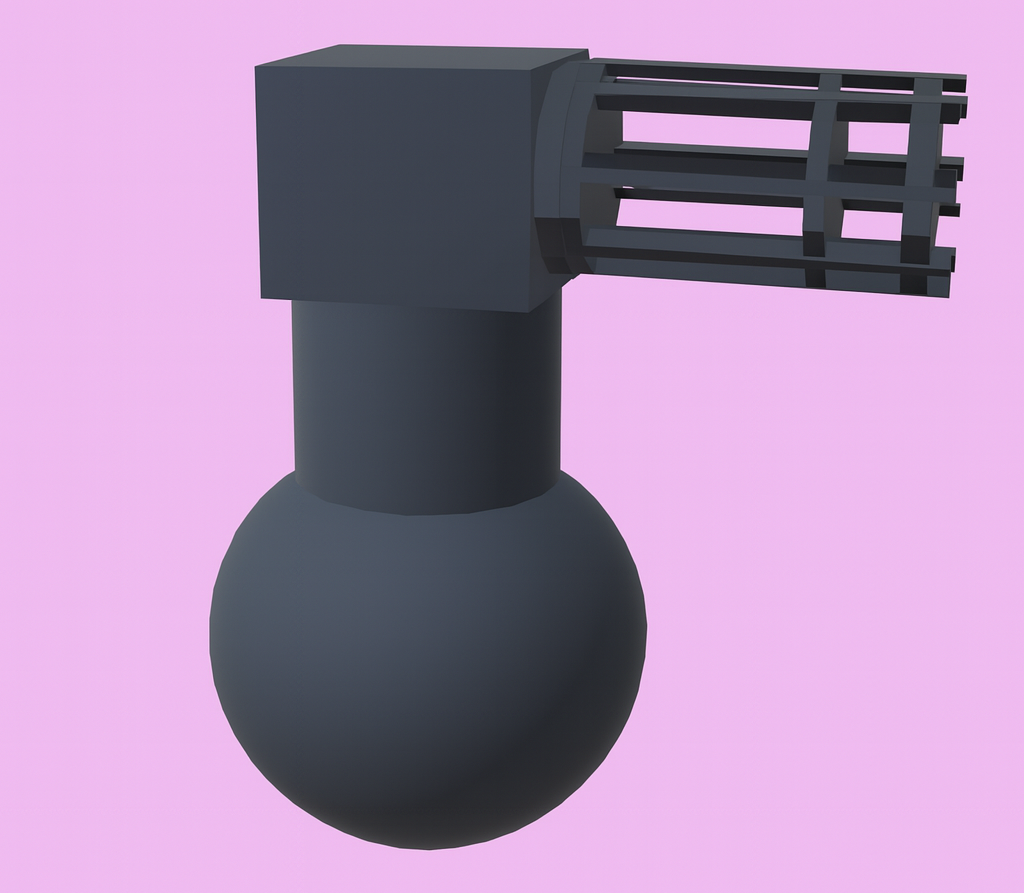
Turrets
The core defense: automated enemy tracking with projectile attacks and impact effects. Placement, range, and coverage all matter, so players think tactically about where each one goes.
Figure 1. The turret model, built in Blender.
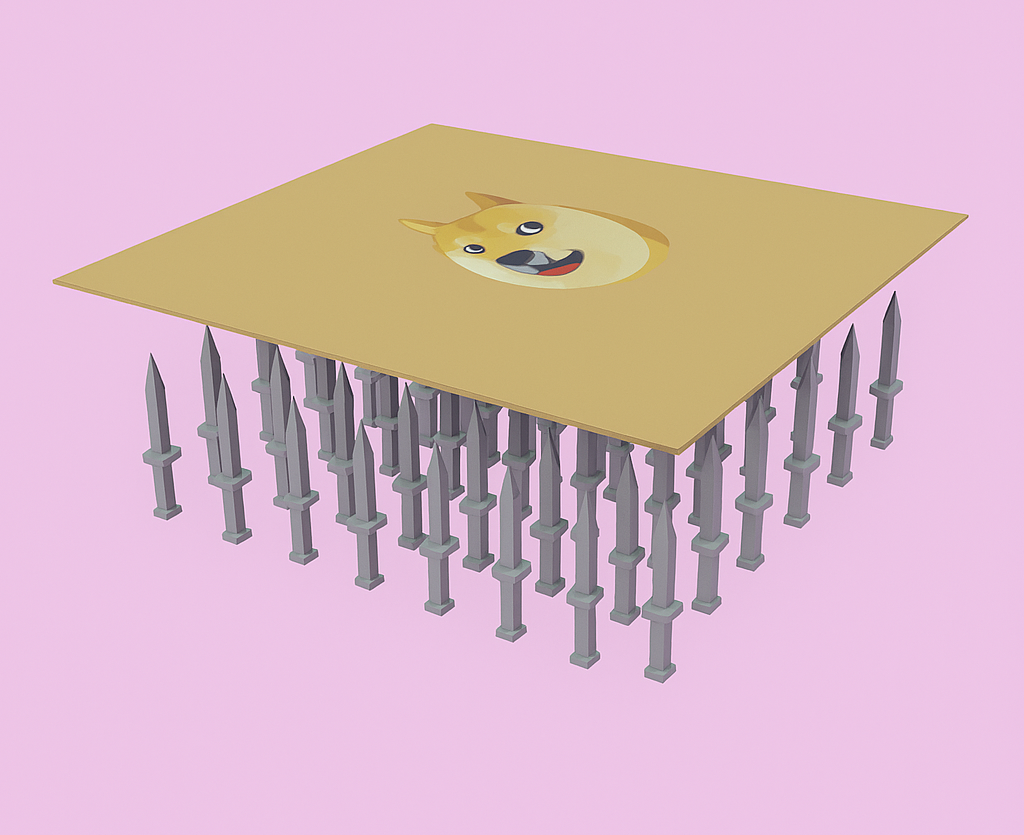
Spike Trap
Passive area control that damages any enemy crossing it. Pairs well with active weapons, letting players combine traps and turrets for crowd management.
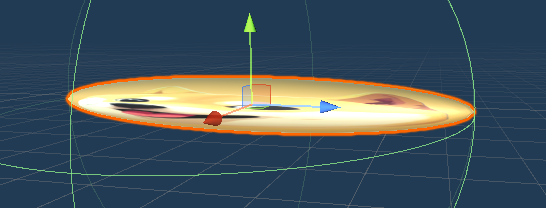
Figure 2. The spike trap, with its Doge-marked pressure plate.
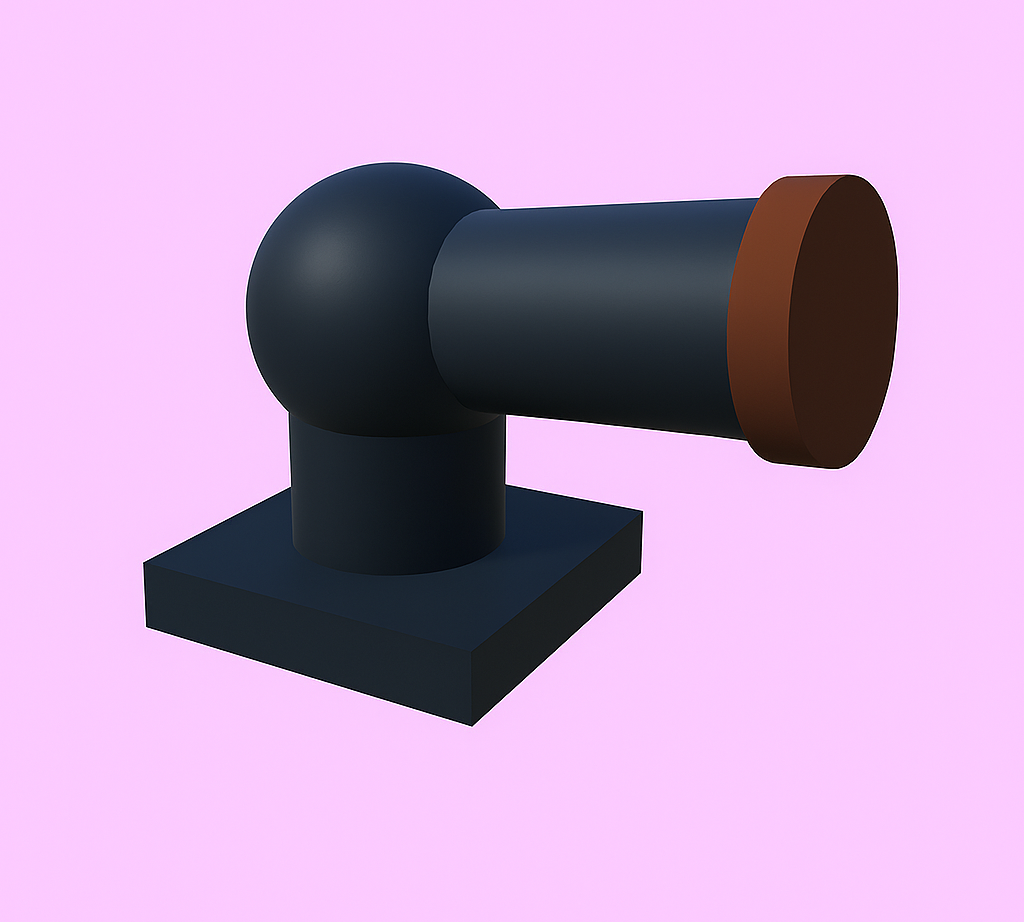
Cannon
Heavy artillery for tougher enemies: slow, high-impact shots with big explosion effects that reward good timing and target selection.
Figure 3. The cannon model.
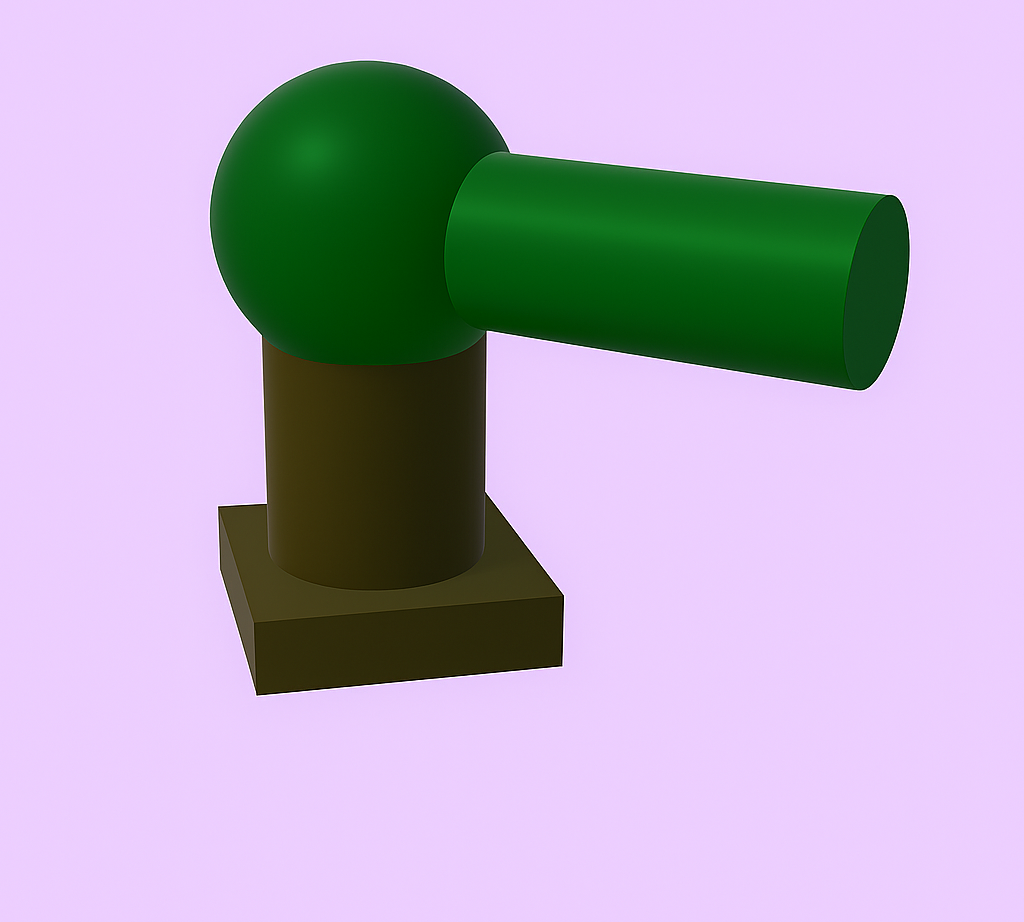
Pea Shooter
A lightweight, rapid-fire unit for swarms. Cheap and fast, it's ideal for early-game defense and keeping steady pressure across waves.
Figure 4. The pea shooter model.
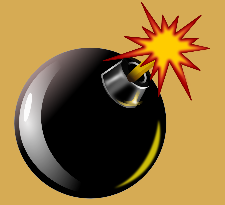
The Bomb
High-impact, localized damage for clustered enemies, rewarding precise timing and smart placement.
Figure 5. The bomb item sprite.
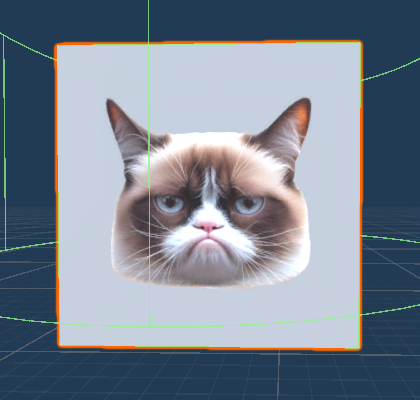
Enemy Design
Cats advance with varied movement patterns and death effects, and drop bones when defeated — feeding the economy loop of earning, upgrading, and defending.
Figure 6. The enemy cat, placed in the Unity scene.
Process & UI
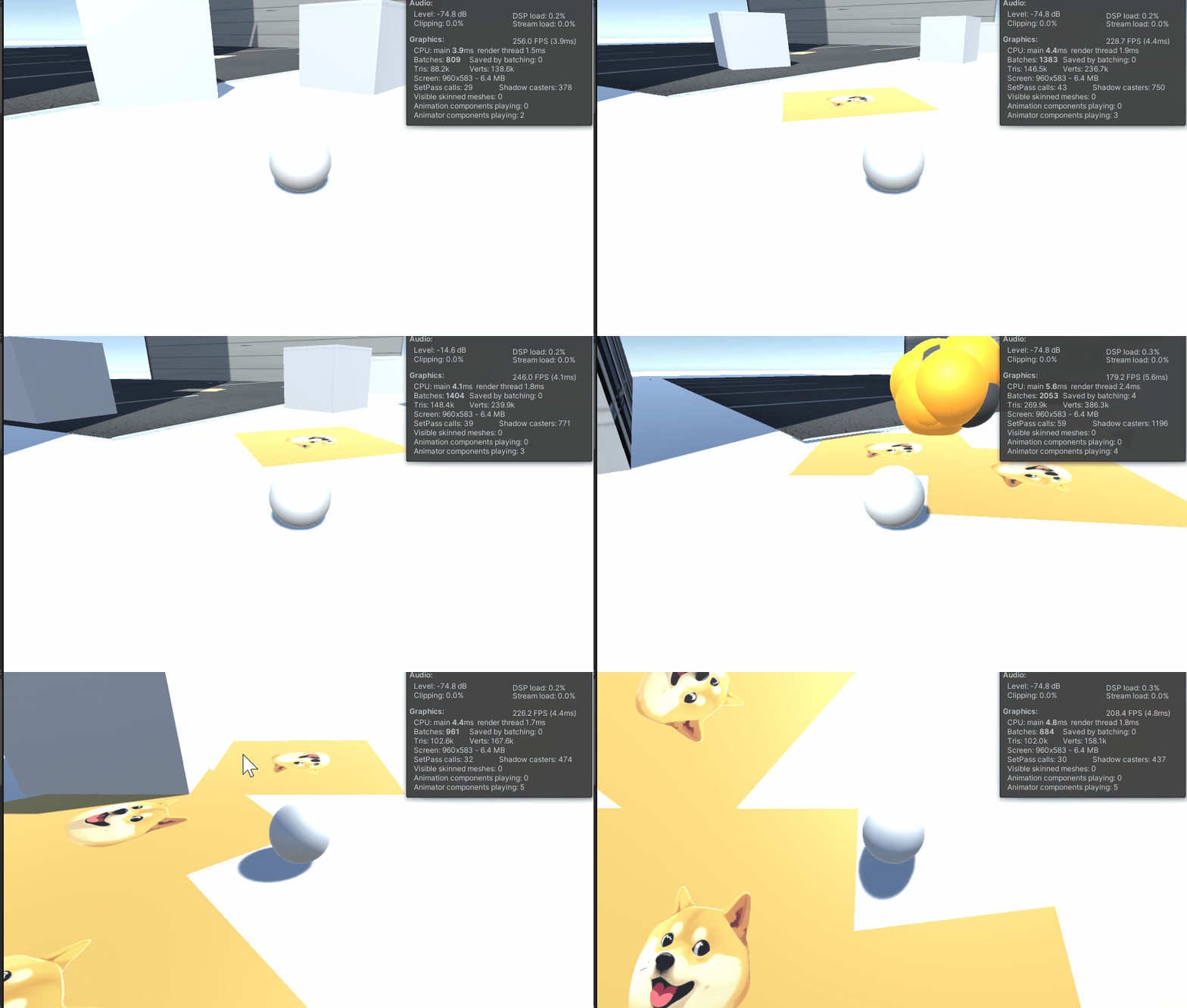
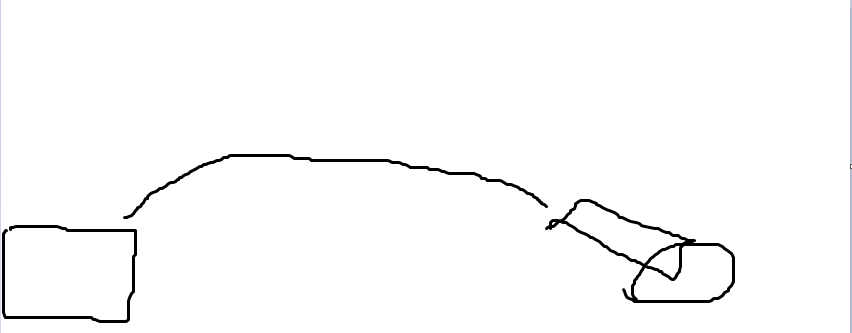
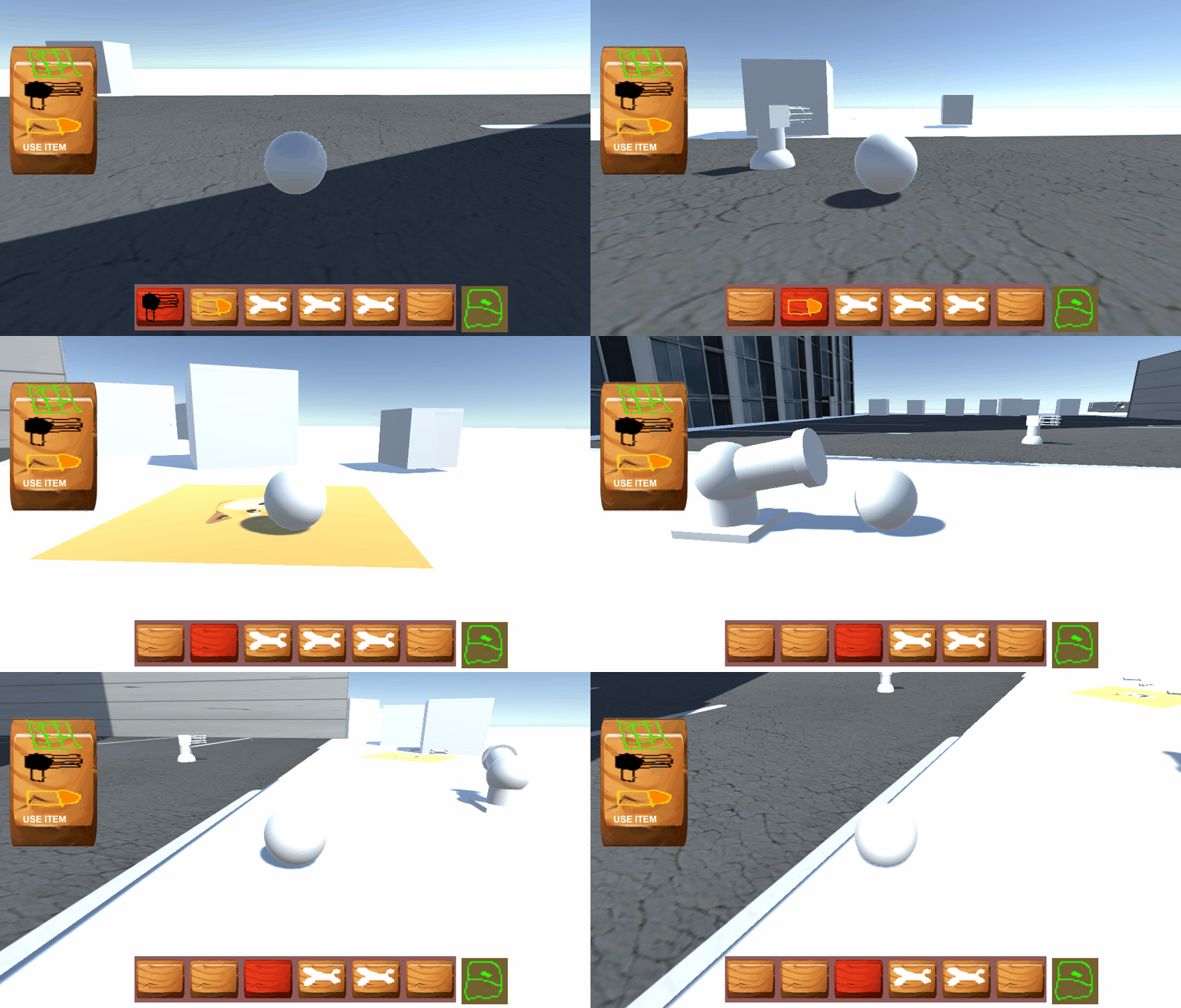
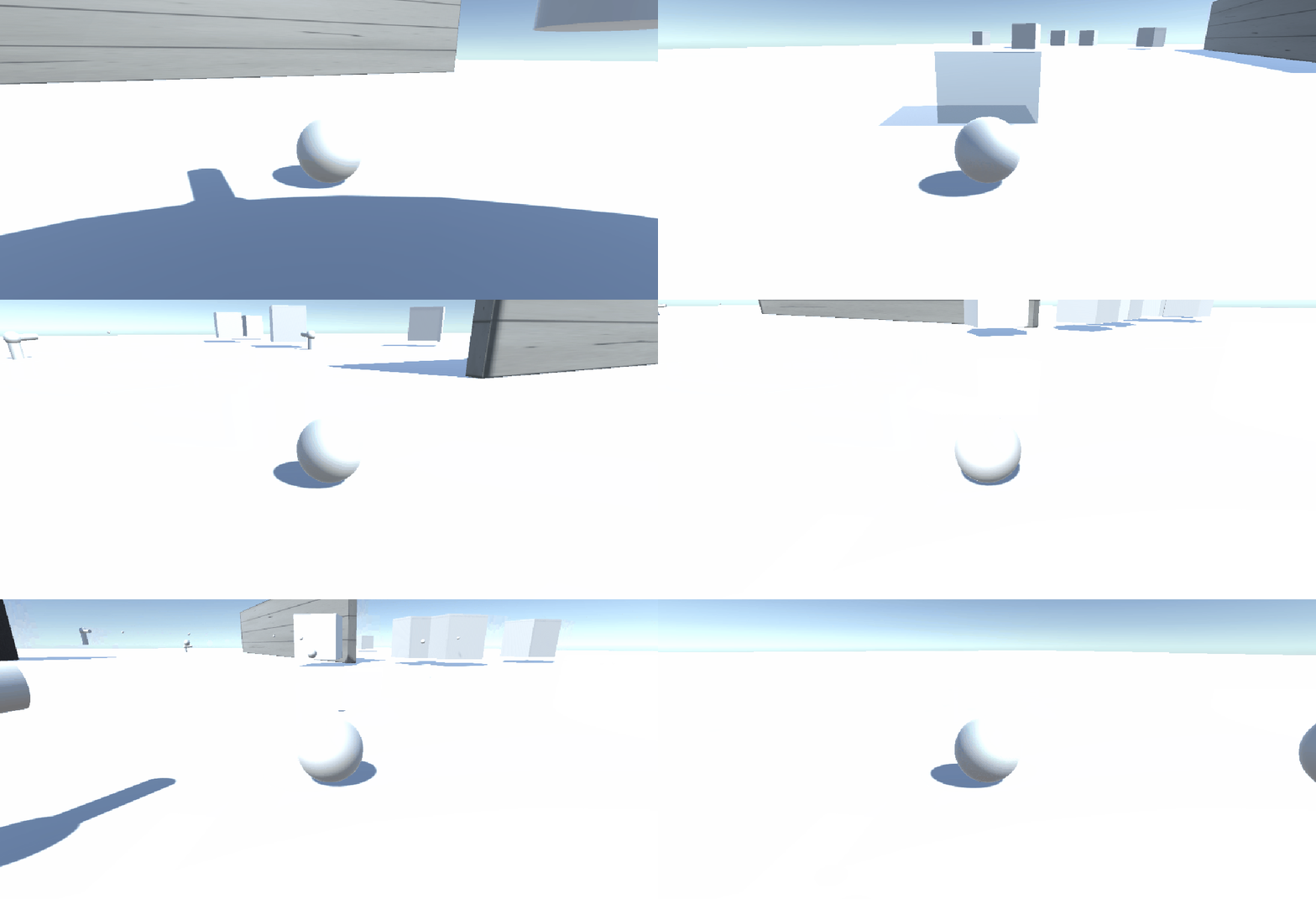
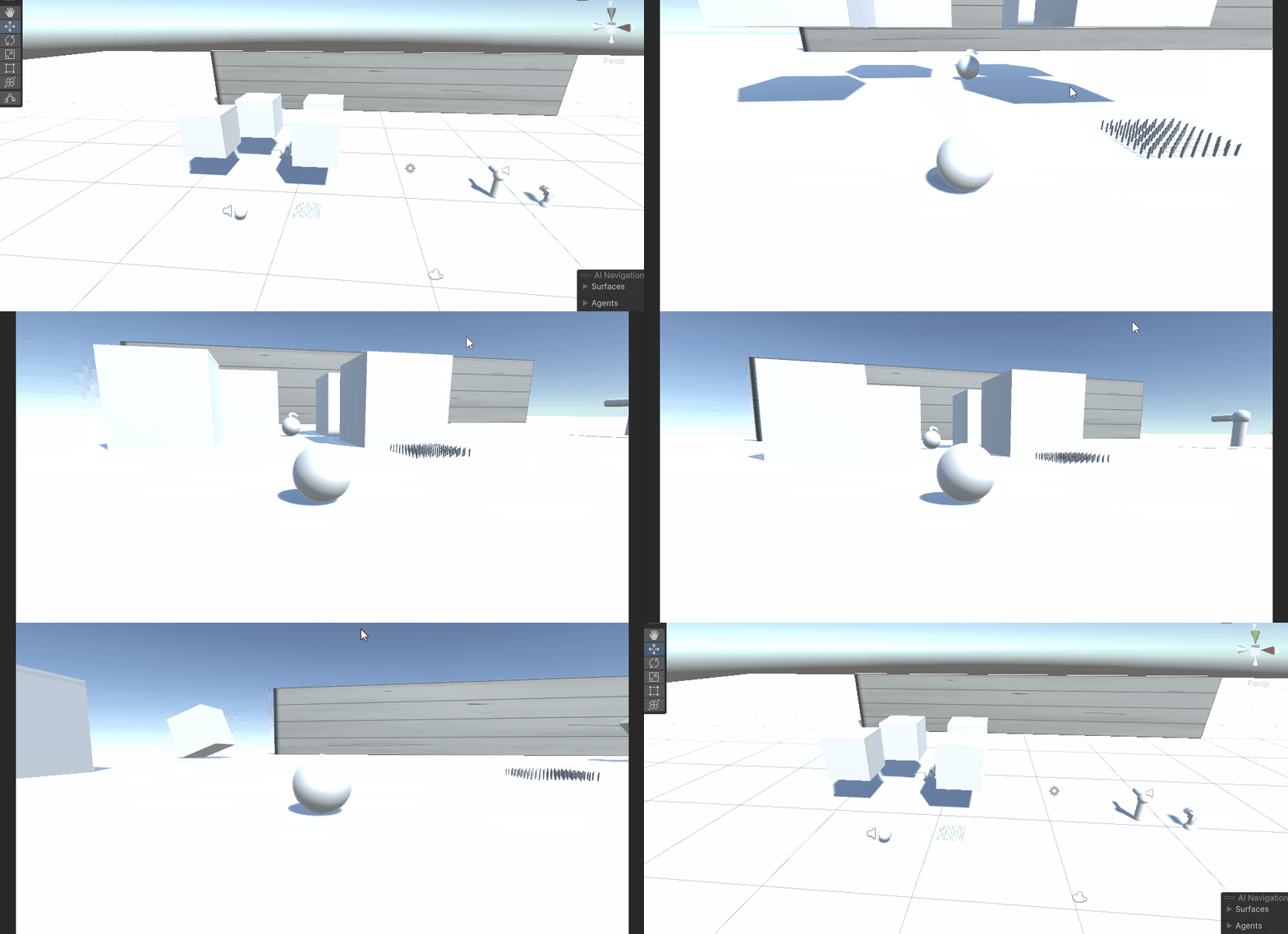
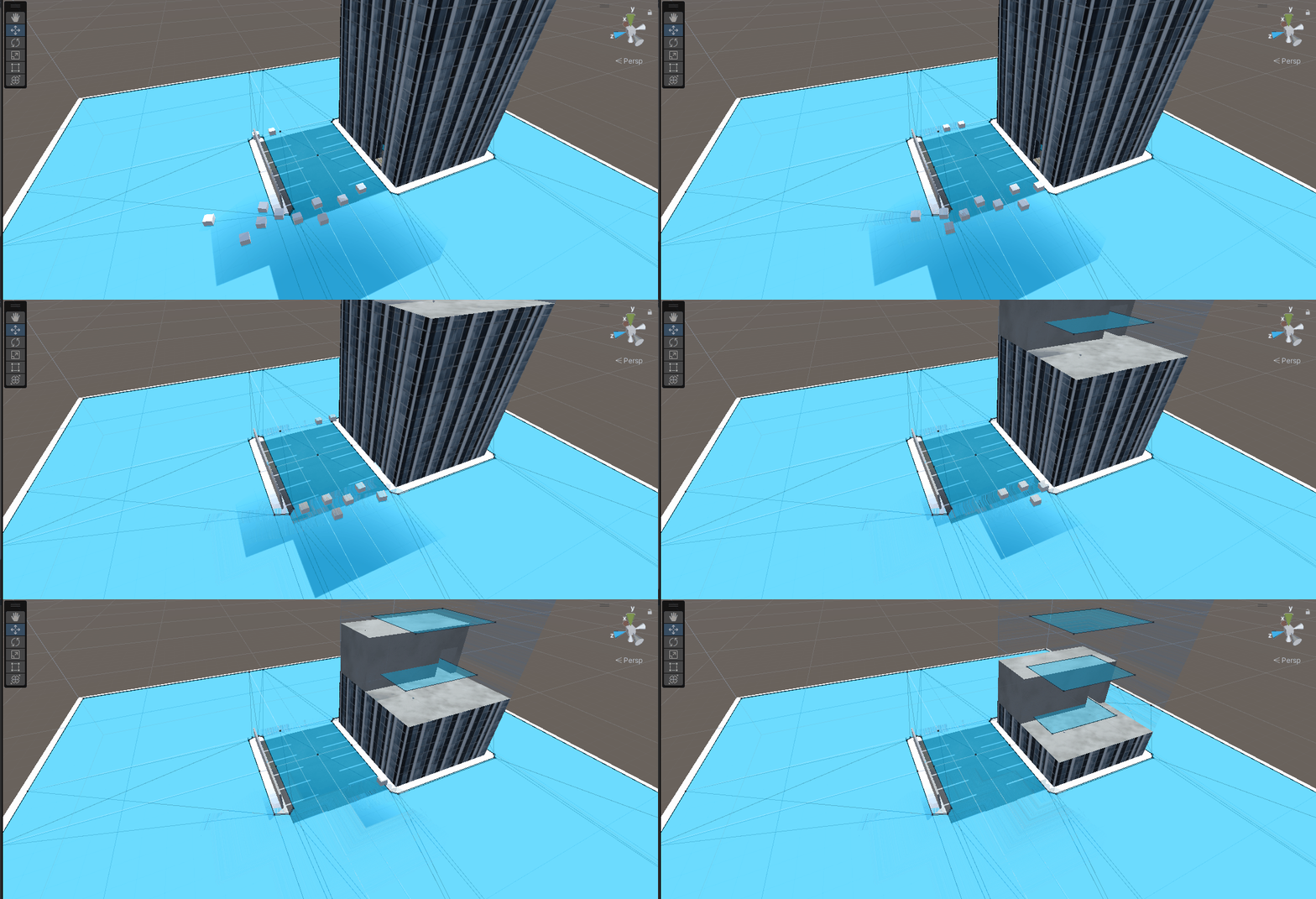
Concepting, wireframes, and the systems we built along the way. I handled much of the UI and asset work on the team.
Lessons Learned
- 01Version control held the project together. Five people building separate systems in one Unity project broke the main build often, and careful branching and merging was what kept the pieces fitting.
- 02The economy started out of balance. Cats killed the player faster than bones came in, so the difficulty had to drop a lot before anyone could afford a defense. The demo is still too hard, and easing it further is the first fix.
- 03Iterative playtesting is what tuned wave pacing and difficulty into a curve that challenges without frustrating.
- 04Small touches like custom Doge-face bullets are invisible in motion, but they're the polish that makes a game feel cared for.
Try It, Or Keep Exploring
Open the live build, or head back to the full list of work.